Instagram Reels scheduler
deploy.social schedules your Instagram Reels up to a year ahead and posts each one at the time you pick, with its caption, first comment and collaborators. The same video can go to TikTok, YouTube Shorts, Facebook Reels, Threads, X and Bluesky at that moment too. Free covers 5 posts a month, scheduling included.
How to schedule a Reel
Connect Instagram
Instagram lets tools post to Business and Creator accounts, so switch in Instagram's settings first if yours is personal. It takes a minute. Then connect it in Deploy, and we'll ask for your email right after.
Upload the Reel
One video file, up to 15 minutes. Deploy sends Instagram a 1080p copy that fits its size limit, so a big export from your editor still goes through.
Write the caption and first comment
Type the caption, up to Instagram's 2,200 characters, and add a first comment for hashtags or credits if you like them out of the caption.
Pick a time
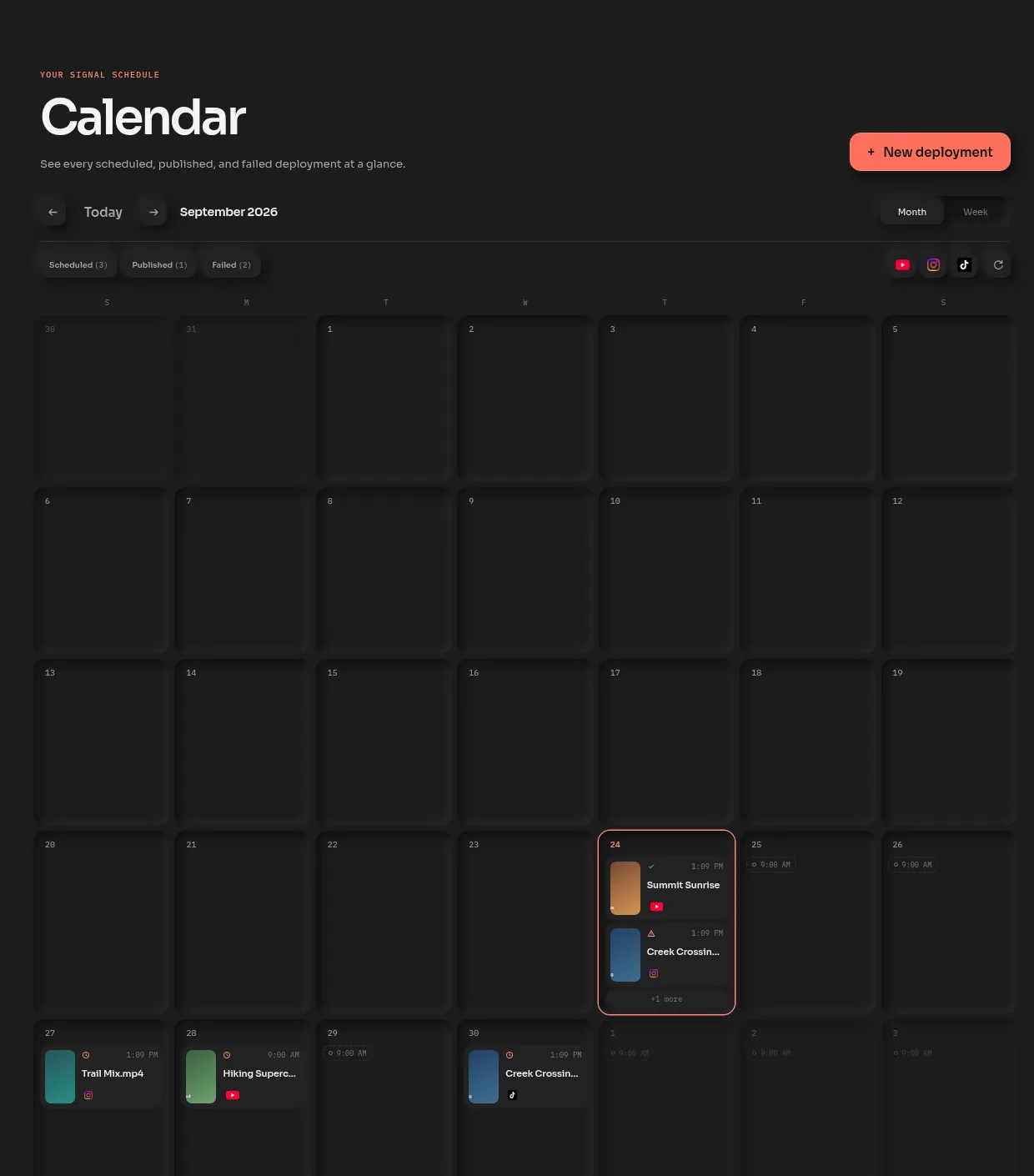
Choose Schedule, then a day and time or one of your posting slots. The Reel goes out on its own at that minute, whether or not you're online.
What a scheduled Reel can carry
- Share to Feed
- On by default, so the Reel shows in your main feed as well as the Reels tab. Turn it off to keep it to Reels.
- First Comment
- Posted under the Reel right after it goes live.
- Collaborators
- Up to three public accounts by username. Each gets an invite to accept in Instagram.
- Tag People
- Tag public accounts, the same way you would in the app.
- Audio Name
- Rename the Reel's original audio. Instagram lets you do that once.
- Trial Reel
- Show it to non-followers first, on accounts Instagram offers trial reels to.
The same Reel on TikTok and Shorts
Most Reels fit TikTok and YouTube Shorts just as well. Pick those too and the same file goes out to all of them at the scheduled time. If your caption runs long for X or Bluesky, the counter under each one says so before anything posts, and you can shorten it for those two alone.
Got a week of Reels? Batches let you drop them all in, caption each one, and put them on the calendar in one go.
Questions
How do I schedule Instagram Reels?
With deploy.social, connect your Instagram Business or Creator account, upload the video, write the caption and pick a time. The Reel waits on your calendar and posts on its own, with its first comment and collaborators.
Can I schedule Reels to Instagram and TikTok at the same time?
Yes. In deploy.social, pick Instagram and TikTok for the same video, and YouTube Shorts or the others if you like. They all go out at the time you scheduled, each with a caption that fits.
Do I need a business account to schedule Reels?
To schedule with any outside tool, deploy.social included, yes: Instagram only lets tools post to Business and Creator accounts. Switching takes a minute in Instagram's settings, and a Creator account stays free.
Can I add a first comment to a scheduled Reel?
Yes. deploy.social posts the first comment under the Reel right after it goes live, which keeps hashtags and credits out of the caption.
How far ahead can I schedule a Reel?
Up to a year ahead in deploy.social. Until it goes out, you can move it to another day on the calendar, or edit it and schedule it again.
Is there a free Instagram Reels scheduler?
Yes. Free on deploy.social is 5 posts a month, scheduled or posted right away, to Instagram and the other six platforms. There's no card and no end date, and Standard is $15 a month when you need more.
Schedule your next Reel.
Connect Instagram, upload the video and pick a time. 5 posts a month are free, scheduling included.
Keep reading
- TikTok scheduler
The same calendar for TikTok, up to a year ahead.
- Post to all social media at once
One upload to Instagram and six more, start to finish.
- Instagram caption limit
2,200 characters, and where Instagram cuts it off in the feed.
- Instagram Reel length
20 minutes in the app, 15 minutes through the API that posting tools use.